
BIQU Panda Vision Encoder, Bambu Lab H2
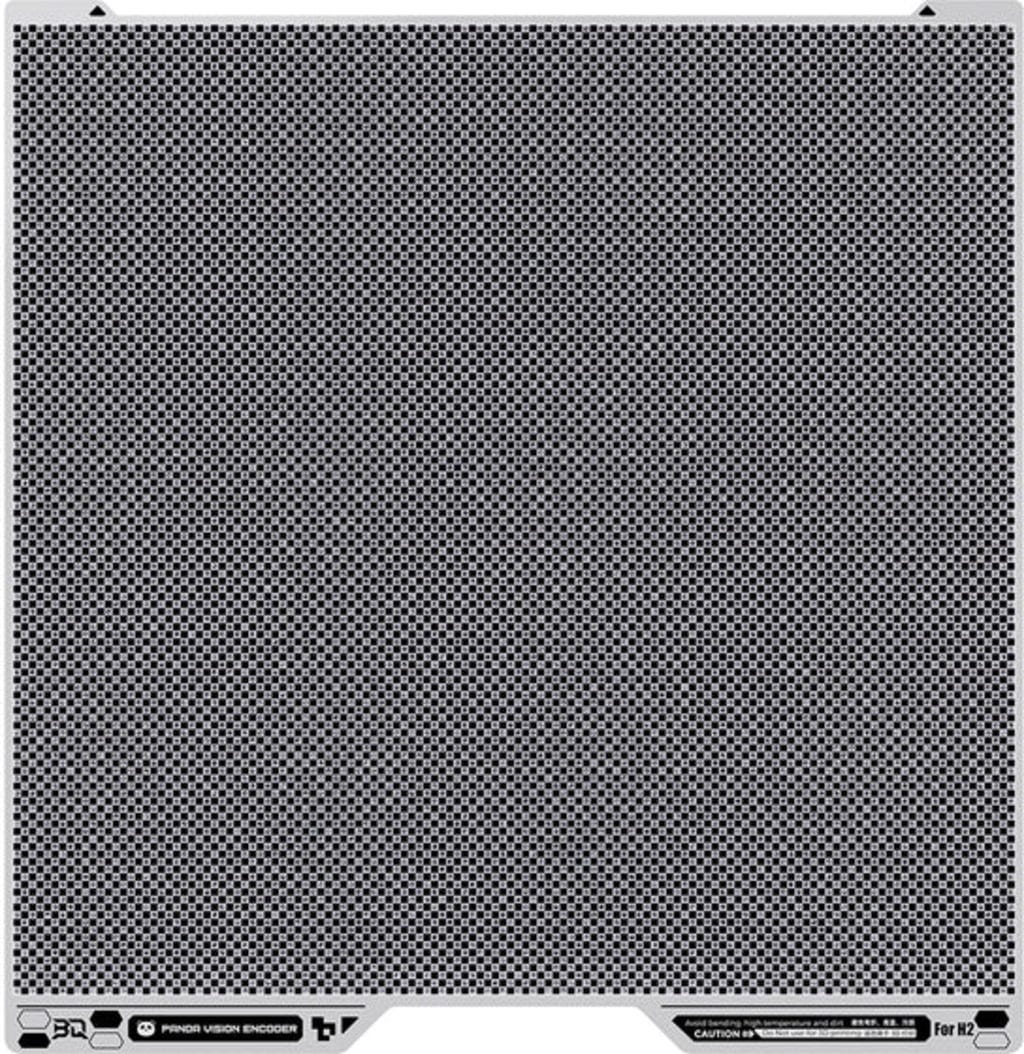
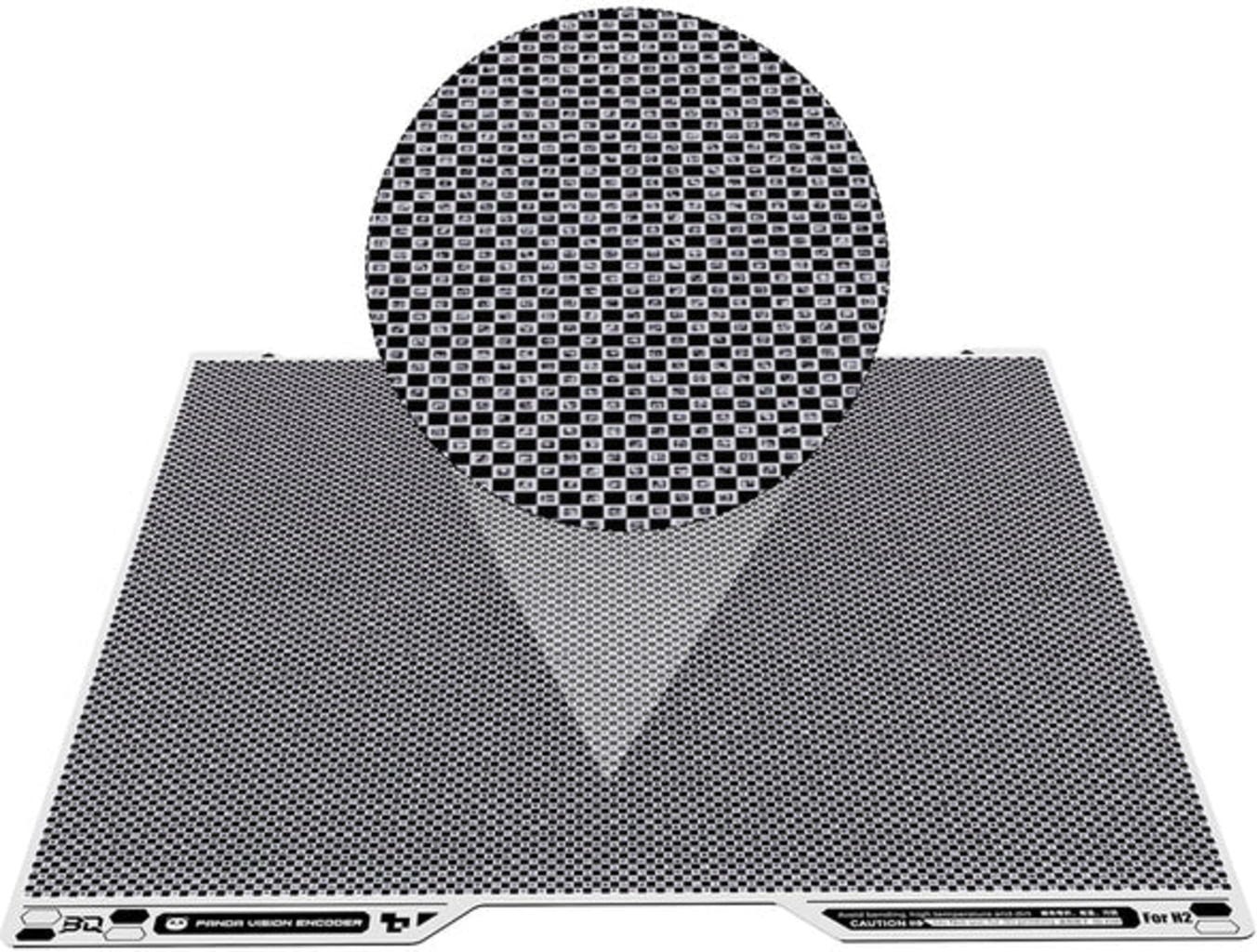
High-precision calibration plate with 10,000 markers for XY accuracy below 50 µm
£58.50
(Price shown includes 20% VAT.
Features & Advantages
- 10,000 coded markers
- 5 µm measurement resolution
- XY accuracy below 50 µm
- Calibration in approx. 5 minutes
Related products

Product information & technical details
- Item no.: BIQU-1060000930
- Content: 1 pc
- Manufacturer No.: 1060000930
- Manufacturer: BIQU
- Product type: Build Surfaces
- Compatible with 3D Printers : Bambu Lab H2D, Bambu Lab H2S, Bambu Lab H2C, Bambu Lab H3C
Description
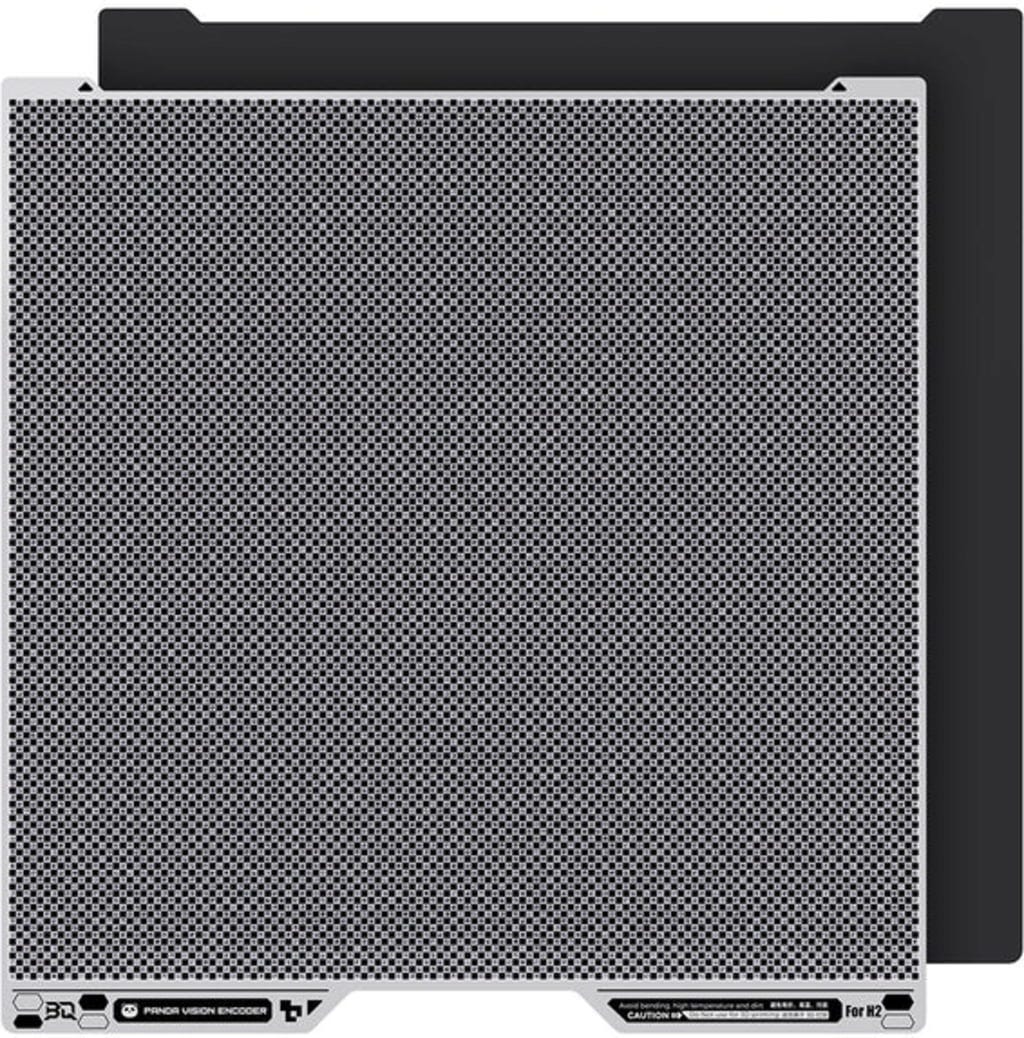
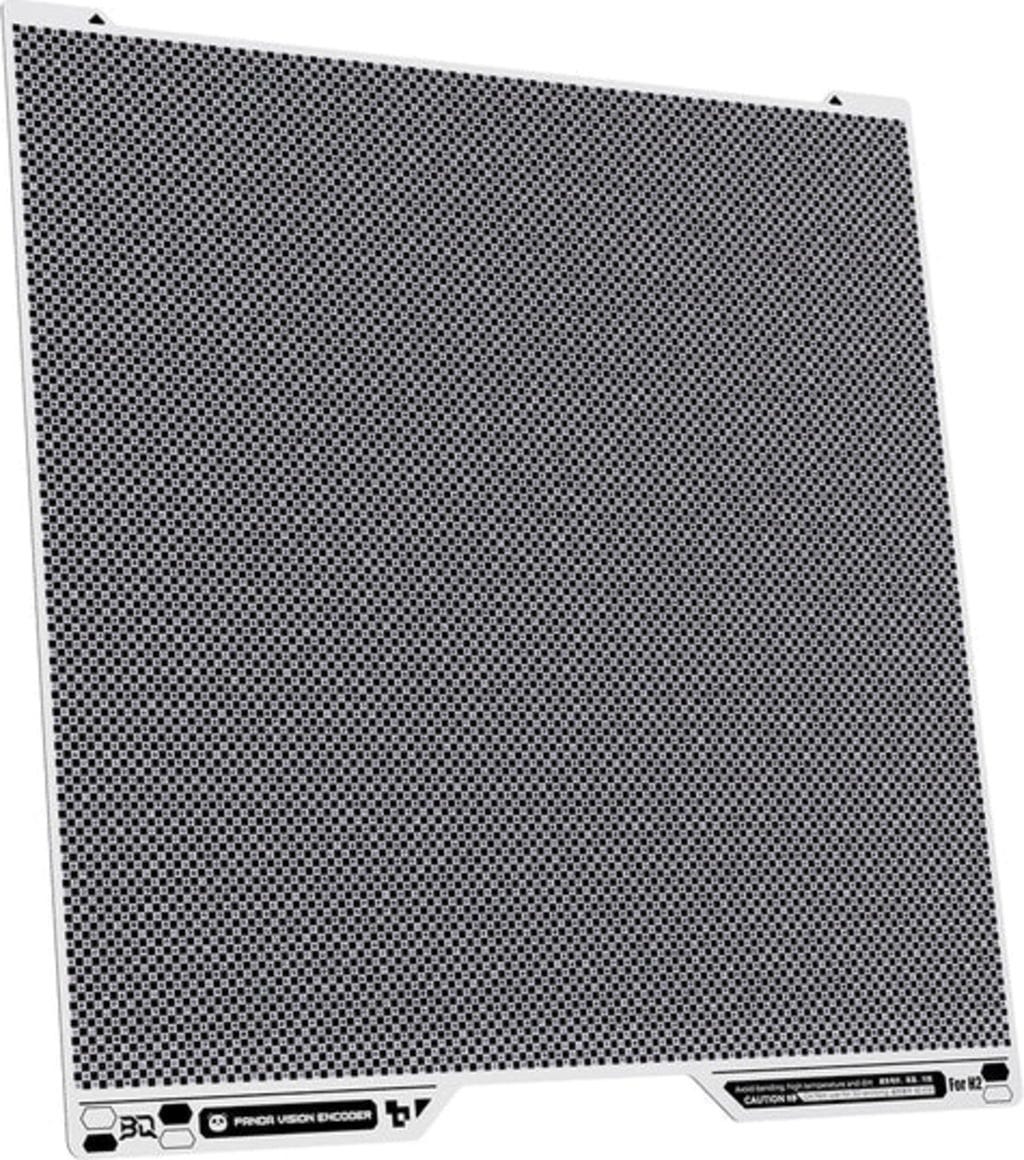
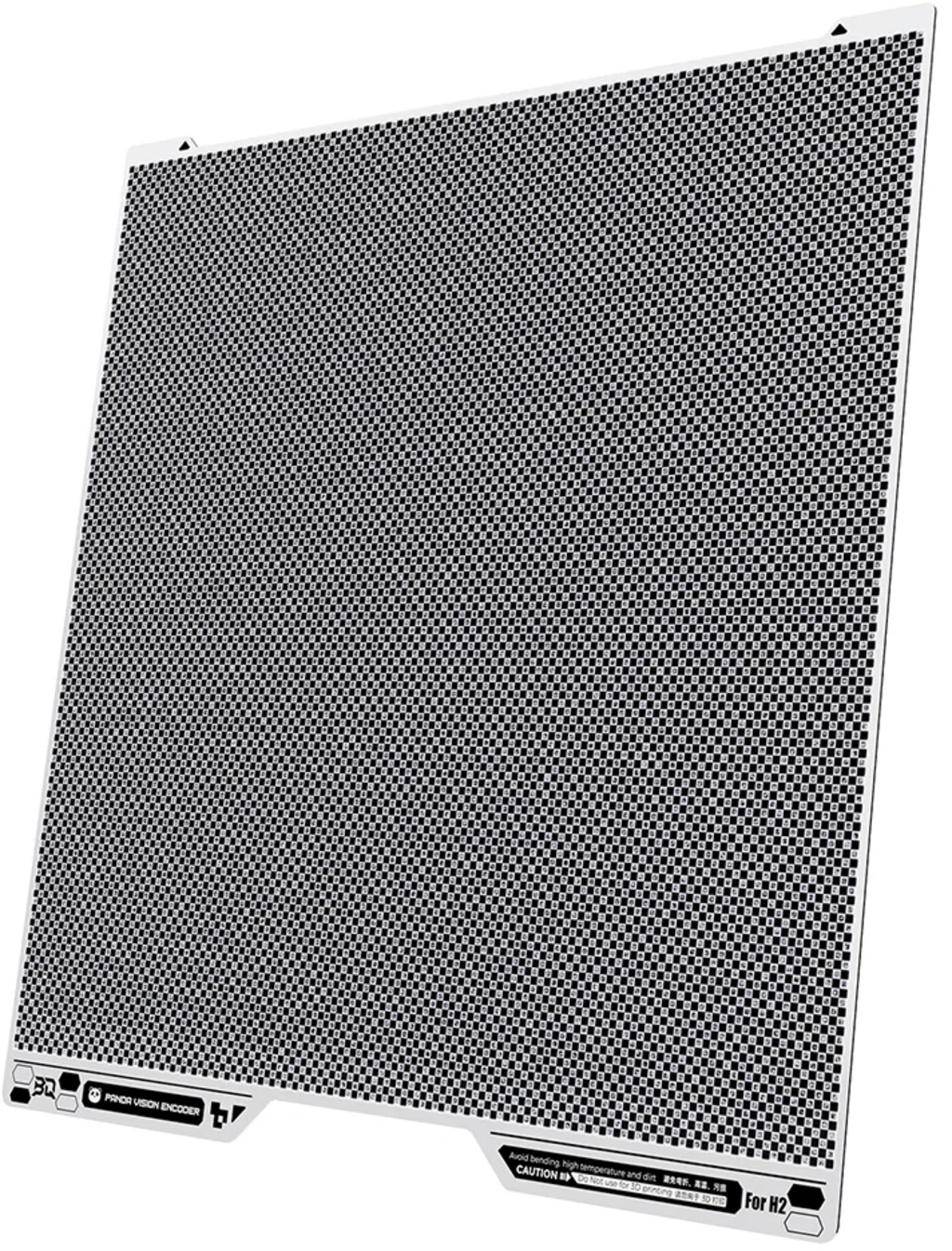
The BIQU Panda Vision Encoder is a calibration plate for Bambu Lab printers featuring 10,000 coded markers, an optical measurement resolution of 5 µm and XY motion accuracy of less than 50 µm. It compensates for mechanical tolerances, belt wear and long-term deviations in the motion system. The guided calibration process takes approximately five minutes and requires no installation.
Accuracy below 50 µm
The plate helps the printer detect and correct deviations in XY-axis movement. The result is improved dimensional accuracy, better repeatability and cleaner contours on printed parts.
Matrix of 10,000 coded markers
A dense matrix of 10,000 coded markers forms the basis of the measurement system. It enables optical measurements with a resolution of 5 µm, allowing precise calibration of the motion system.
Calibration in just five minutes
Simply place the plate on the heated bed and start the guided calibration process. No complicated installation or manual adjustments are required. The improved accuracy remains stable for weeks.
How to position the plate:
- Align the plate with the red-marked stops on the heated bed to ensure correct positioning. Then lower it onto the bed, where the magnets will hold it securely in place. Always perform calibration at room temperature and never on a preheated print bed!
- Next, start the calibration process. After approximately five minutes, deviations caused by mechanical tolerances and wear will have been compensated for.
Start calibration directly from the printer's display:
- Tap the settings icon (gear symbol) on the home screen.
- Select "Calibration".
- Choose "Motion Accuracy Calibration".
- Tap "Start" and follow the on-screen instructions.
► Note: Remove the Vision Encoder from the heated bed after calibration. It is not designed for printing and must not be used as a build plate.
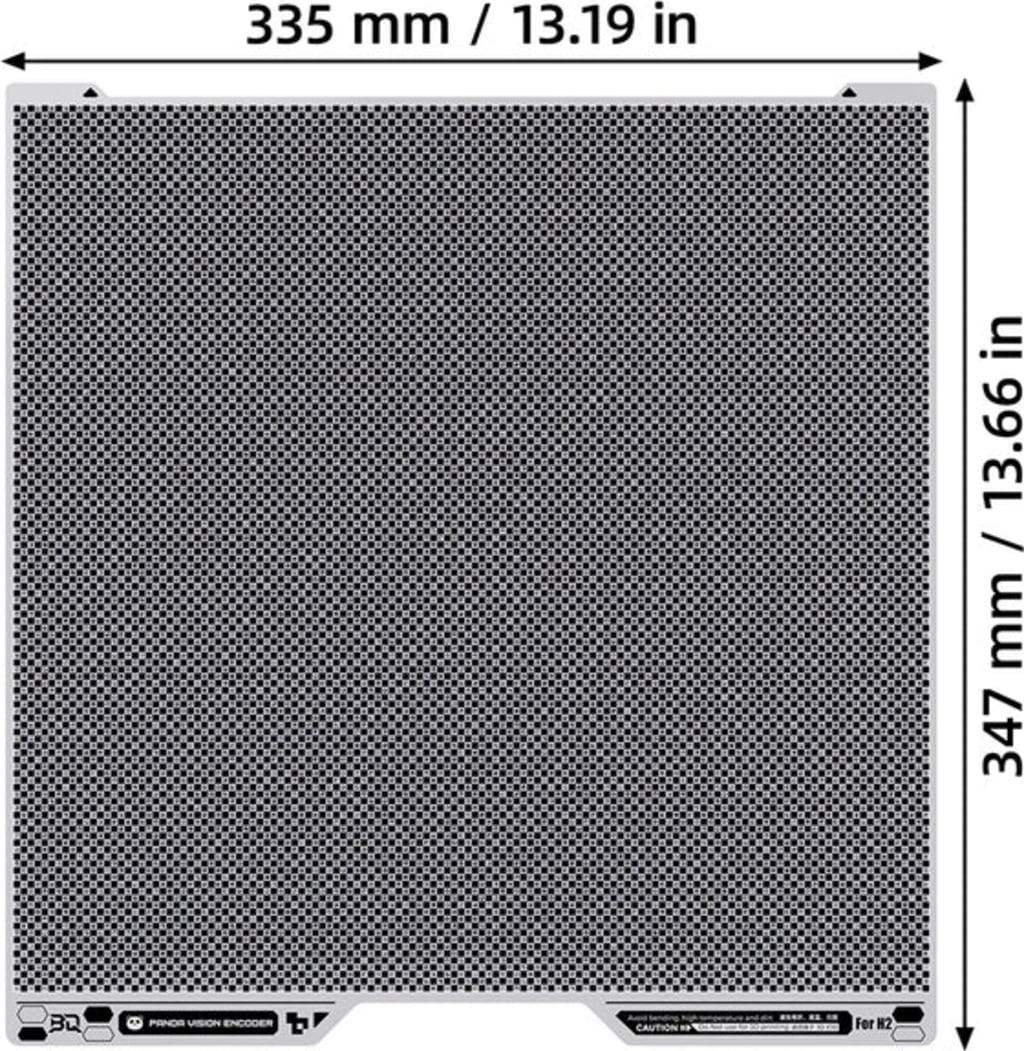
Dimensions: 335 x 347 x 0.8 mm
Legal guarantee & manufacturer details

More information: https://europa.eu/youreurope/guarantees
Similar products
Questions & Answers about BIQU Panda Vision Encoder
Customer Reviews
English reviews written for BIQU Panda Vision Encoder
Magazine Articles:
Discover 3DJake:
-
Great Britain: Free standard delivery from £69.90
-
Free
returns More than 11.550 products
We deliver worldwide to
more than 40 countries
